
Discover what may be your fastest, easiest, and most affordable way to start getting your musical ideas out of your head and into your speakers today!
…and how my course helped a 9-year-old boy create over 100 songs!
I know how you feel.
You have these musical ideas (drum beats, melodies, rhythms, sounds, songs,…) running through your brain, but you don’t know how to get them out and into existence.
You listen to your favorite music artists on YouTube, Spotify, Pandora, and Apple Music and wish you could create music like them, but you don’t know where to begin.
You don’t know if you should learn music theory, scales, or chords; you don’t know if you should buy complicated music software or DAWs and spend months and months trying to figure them out.
You want to learn in a matter of days or weeks. You love music and want to do something more meaningful than just listen to it; you want to make music too. You want to create and make people happy with the sounds you put into the atmosphere.
You want to learn how to make music without having to learn complex and confusing music software and DAWs.
You want to show the WORLD what YOU are capable of doing.
But how do you even begin?
How do you start to get the musical ideas out of your brain and into your speakers?
How can you begin to create music without having to learn music theory, scales, or chords?
How do you start creating music without having to learn expensive or complicated music software or DAWs?
How can you begin to create music in a matter of days or weeks?
And how can you start creating music you like if you don’t know where to begin?
Well, I got the answer for you…
The 100% FREE music software that comes on every Apple computer…
GarageBand.

You might know me from one of my videos doing scooter tricks at a skatepark while showing a GarageBand song I created, or sharing what a 9-year-old boy, now known as “Lightning Droid,” amazingly created with GarageBand.
Many people think that to create that kind of music, you have to be an adult, a child music prodigy, learn music theory, scales, and chords, and buy and learn complicated and expensive music software, but that’s not how it happened for me!
In fact, I started my journey into making my own music as a kid when I discovered GarageBand and just started playing around with it and having fun. I had no idea back then that this software would change my life.
When I explored more of GarageBand, which is a free music software by Apple, I found out it could do more than I thought it could. I was pretty amazed!
I discovered “Loops packs.” Audio files of instruments (like drums, guitars, synths, pianos,…) playing melodies, chords, single sounds, beats, sound effects, chord progressions, and even jingles!
I started using these loops and began putting them together to create songs that I loved to show to my family.
Then sometime later, I found GarageBand had actual instruments I could play using my computer keyboard like a piano!
Soon, I began to play around with these instruments and began to produce songs that had audio loops and the instruments in them.
I started creating songs with explosive bomb-sounding effects, songs that sounded like they would take place outside in the snow, and even songs that sounded like a whole orchestra performing.
In fact, when I go back to listen to those songs that I made when I was just a kid, I think, "I made this? This is actually pretty good!"
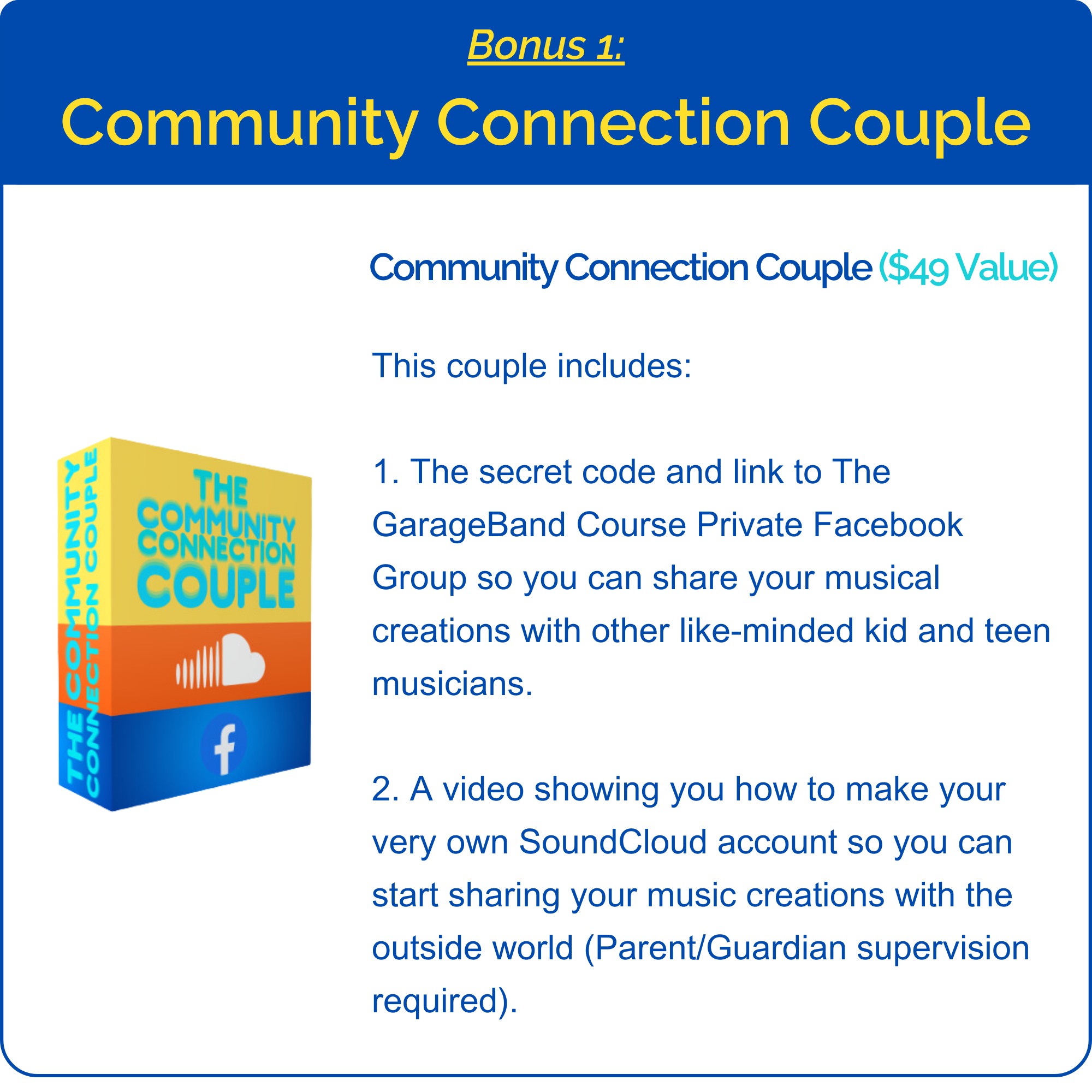
Eventually, I created a SoundCloud account, and for the first time, I got my music out into the world!
And it all started with me learning how to use GarageBand. Not only that, but learning it in a way that was fun and hands-on from the start!
But I’ve wondered, with all the kids and teens out there who are so passionate about listening to music and wishing they could make their own…
Why aren’t more of them making music too?

Here’s what I found:
X Kids and teens often don’t know that GarageBand can be the tool to bring their musical ideas into existence.
X Many GarageBand courses are more like boring, lengthy museum tours. You can hear a lot of information in them but forget it soon because you aren’t immediately putting it into action, which slows down your progress.
X Most GarageBand courses leave you hanging at the end–having learned buttons but unfamiliar with putting together a complete song…which is the ultimate goal.
X Other music software is expensive and more difficult and time-consuming to learn.
Sadly, a lot of courses make learning GarageBand feel pretty boring (like a super long museum tour).
But it shouldn’t be like that!
Learning GarageBand should be hands-on, immediately getting you into the surroundings of GarageBand and instantly showing you how to use it by creating a song.
Over the last few years, my passion for producing music in GarageBand led me to create an online, go-at-your-own-pace course that helps kids and teens learn how to use GarageBand so that with that know-how they can then use it to create their own music easily and share their creations with the world.
The way I help you learn GarageBand is unique and modeled after the way that I learned as a kid: by jumping right in and making a song!
Instead of just giving you a tour of the components of GarageBand, what I do is get you used to GarageBand by having you copy what I do as I create a song step-by-step.
So, when I add an instrument, you add that instrument; when I add a drum groove, you add that drum groove, and so on.
By following along with me as I compose and walk you through it, by the end, you will have made the same song as me, and now, being familiar with the software, you will be equipped to go on creating your own music using GarageBand!
...And getting your music out of your brain, into your headphones, and into the world.
Now, you might be wondering…
“What’s the difference between your course and other people’s courses? Why can’t I just go to YouTube and learn there instead.”
Well, the difference between my course, other courses, and YouTube videos is…
So, as it shows above, instead of just teaching you by demonstrating what things do in GarageBand…
I’m teaching you by immediately getting you inside it and getting you familiar with its surroundings, buttons, and features.
I do this by helping you create a song I’ve specifically made for this course.
When showing how to create it, I tell you which buttons to press, which things to move, which things to add, and so on…
…it helps you get used to the features and surroundings of GarageBand and ultimately helps you learn how to use it.
It’s an easy step-by-step process.
So by the time you’re done creating your first GarageBand song, you’ll be comfortable with GarageBand’s surroundings, and you’ll have learned how to create music with it.
Plus, then to quickstart you into creating music all on your own, I give you multiple lists of GarageBand Loops (Loops; audio files of all kinds of instruments and sounds playing different tunes and melodies. Including drum beats, piano melodies, guitar riffs, jingles, you name it!) that sound good together that you can put together any way you want to create your very own songs all on your own!
And then, you can use the skills I taught you to easily create your very own masterpieces!
So…
Forget about:
Buying complicated music software and complex DAWs, spending months and months trying to figure them out.
Learning music theory, scales, and chords.
Lengthy museum tour-like courses.
Hearing loads of information but then forgetting it soon because of not immediately putting it into action.
Courses just leaving you on your own to figure out how to make songs with GarageBand, leaving you hanging at the end–having “learned” the buttons and features but left with being unfamiliar with using it to create on your own.
Instead, I’ll teach YOU the way that helped me get to where I am today. The process that helped me learn how to use GarageBand to create music.
And you wanna know the best part?
After this course is over, instead of being like all those other courses and YouTube videos, leaving it all up to you to find Loops that you can use to create your own songs…
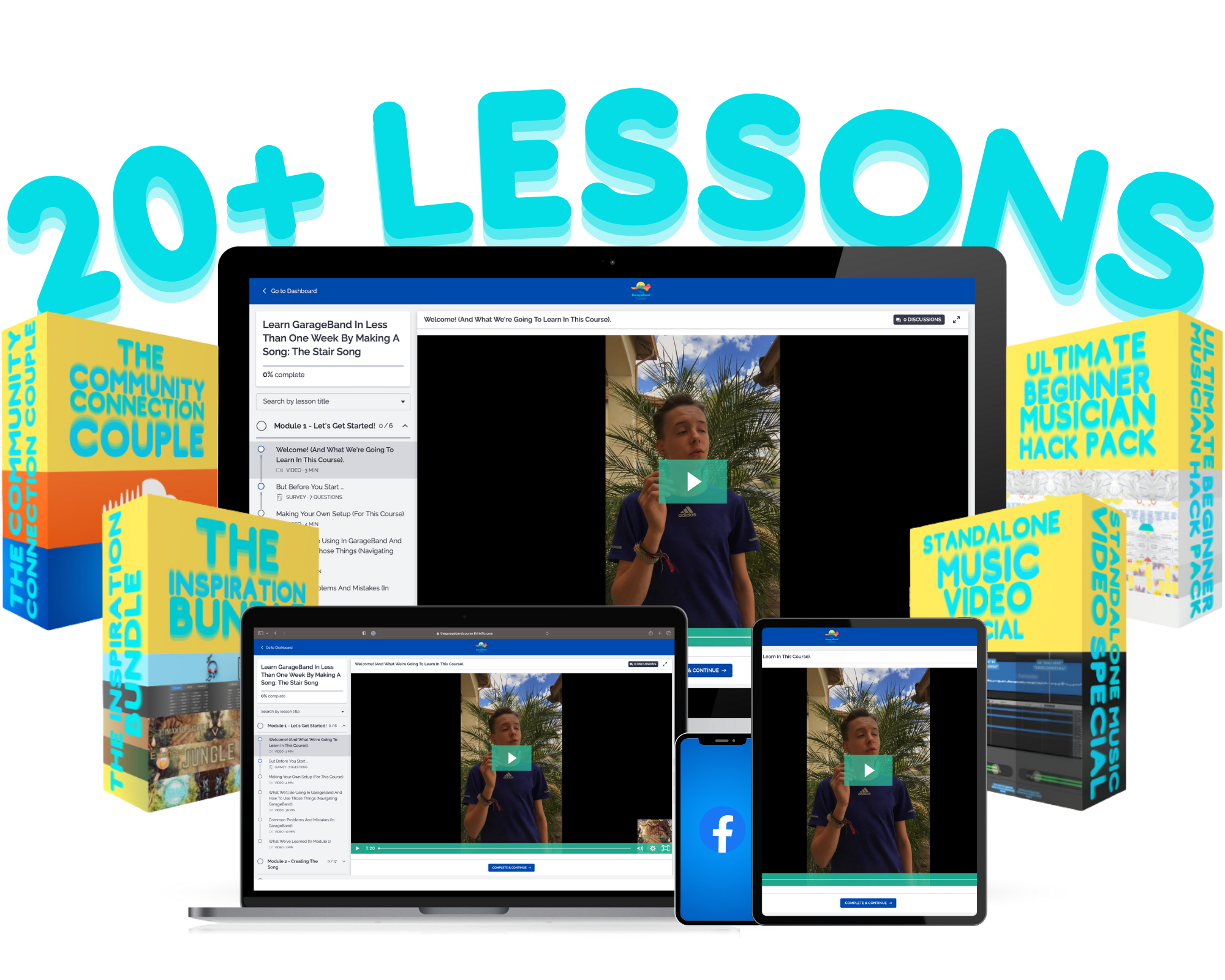
I give you over 20 Quickstart Loop Packs from over 7 different genres, including Hip Hop, Rock/Blues, House, and more!
You can use these Quickstart Loop Packs to create your very own songs any way you like.
Here, take a listen to some of the favorites:
🔊Turn on sound by clicking sound button in lower right edge of the video player🔊
Just imagine it, you being able to create your own songs all on your own! Creating the music that you want to hear. Making songs and showing them to the world!
To see full course curriculum click here
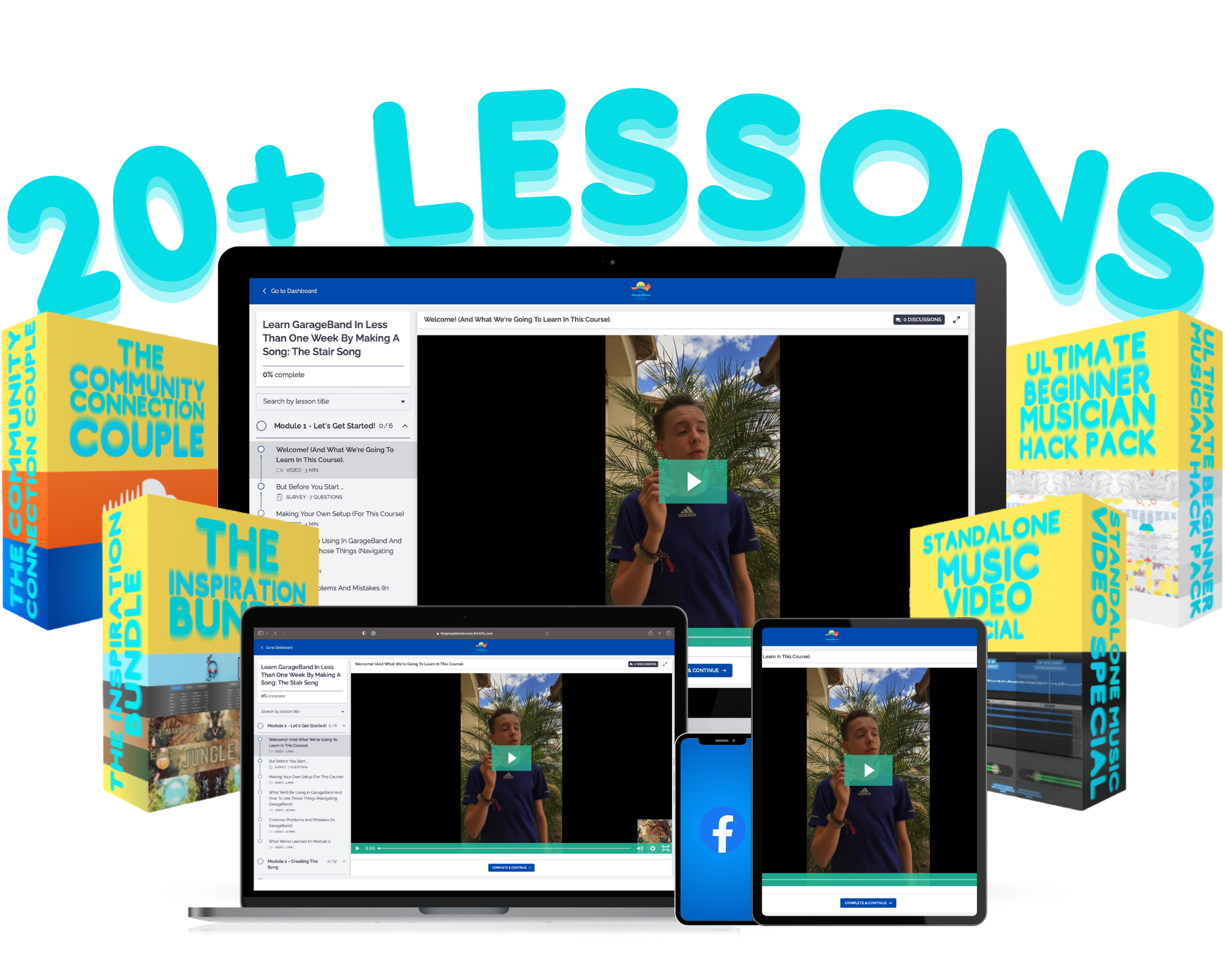
Here's a sneak peek of what's inside your first lessons...
“What If I Don't Have Any Music Experience?!”
That's OK! You Don't Need Any!
Will those musical ideas still be there if you wait? Will you remember them if you don’t find a way to get them out now?
If I had let my young age and lack of experience stop me, I wouldn't be creating music with GarageBand today either...and I certainly wouldn’t have been able to see kids create amazing music with GarageBand after taking the course.
It excited me to see what a 9-year-old boy could create with GarageBand.
It was unbelievable to see that a young boy could create over 100 songs in less than a year with GarageBand.
And guess what? If he had never taken the chance to take my course and learn GarageBand, if he had just thought, “I don’t really have any music experience–it’ll probably take me too long to learn GarageBand anyway.” Would he have created all of those songs? Would he have his song “Rain Cave” on SoundCloud for the world to see?
So…
Even if you don’t have experience with music, technology, etc., don’t let that hold you back from experiencing the joy and freedom of creating music by learning GarageBand! Or else, you may just regret it.

Think about it...
Instead Of Taking This Course, You Decide To Learn GarageBand By Taking Hold Of As Many YouTube Tutorials As You Can Find...
Every day, instead of speeding up your progress by taking action and learning how to use GarageBand by creating a song, you’ll just be watching tutorial after tutorial and demonstration after demonstration on how the buttons and features of GarageBand work.
You won’t be taking that action of using the buttons and features to create music–which is the ultimate goal–you’ll just be watching someone else explain the surroundings of GarageBand instead of YOU diving into GarageBand on your own and immersing yourself with the buttons, features, and surroundings of GarageBand by getting your hands wet and creating a song (note to reader: please don’t put your computer in the water; you’ll be shocked at what can happen).
Now, another thought occurs–having to do with only watching YouTube tutorials–which then bubbles yet another problem to the surface…
How long will it take you to learn how to use GarageBand and create a song with GarageBand if you just watch YouTube tutorials with no action taking? Who knows? It could take a while.
But one thing I do know is how long it will take you to learn GarageBand with this course.
From what I’ve discovered, it could take you approximately only one week!
Only one week to finish this course and learn GarageBand!
Now, if that hasn’t convinced you yet to buy this course, I don’t know what will! Well, actually, I might…
Did you know that right now, instead of this course being sold at the full price of $464, it’s being sold at only $47?! That’s unbelievable! If you bought it right now, you’d be saving $417! 90% off!
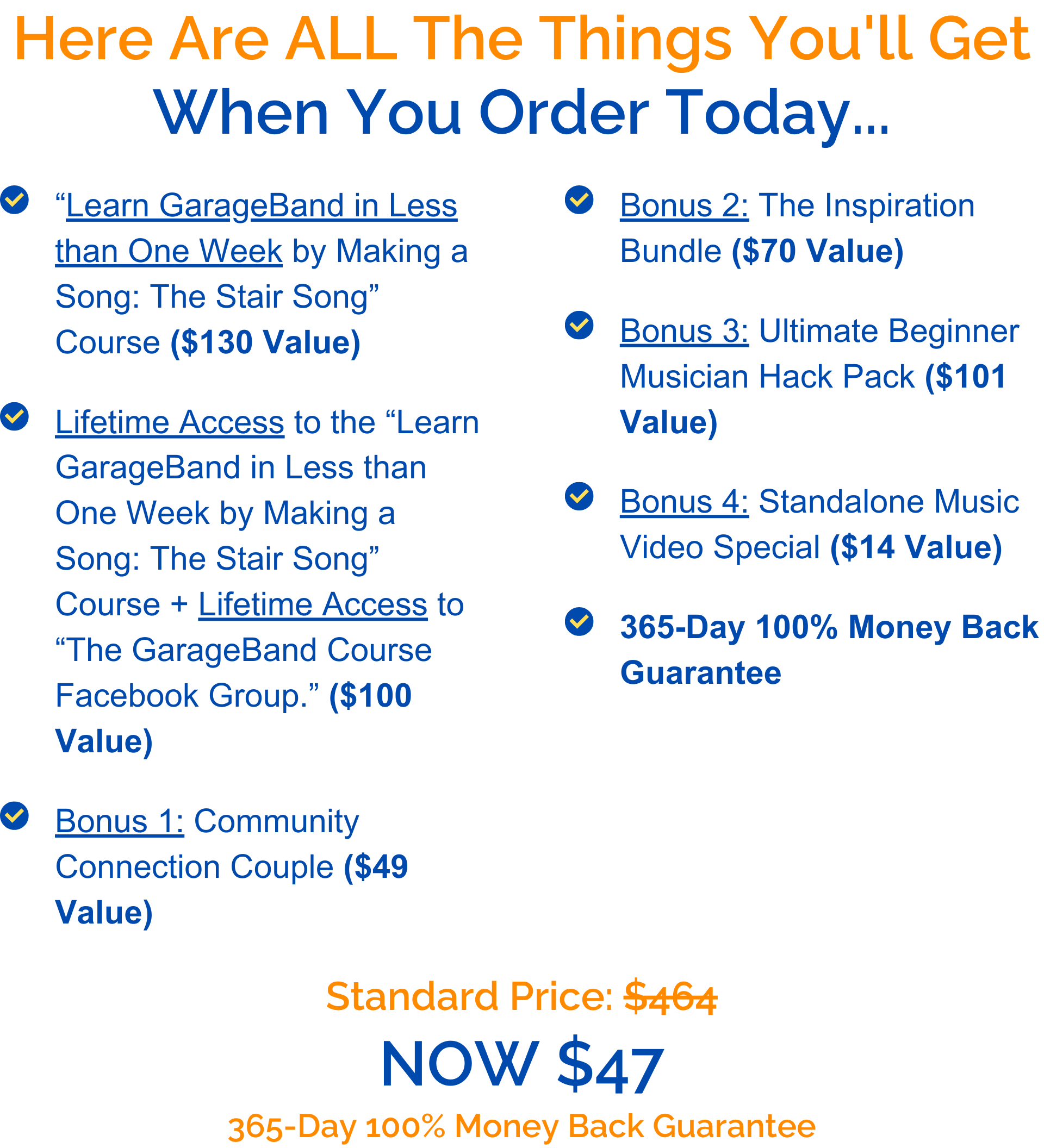

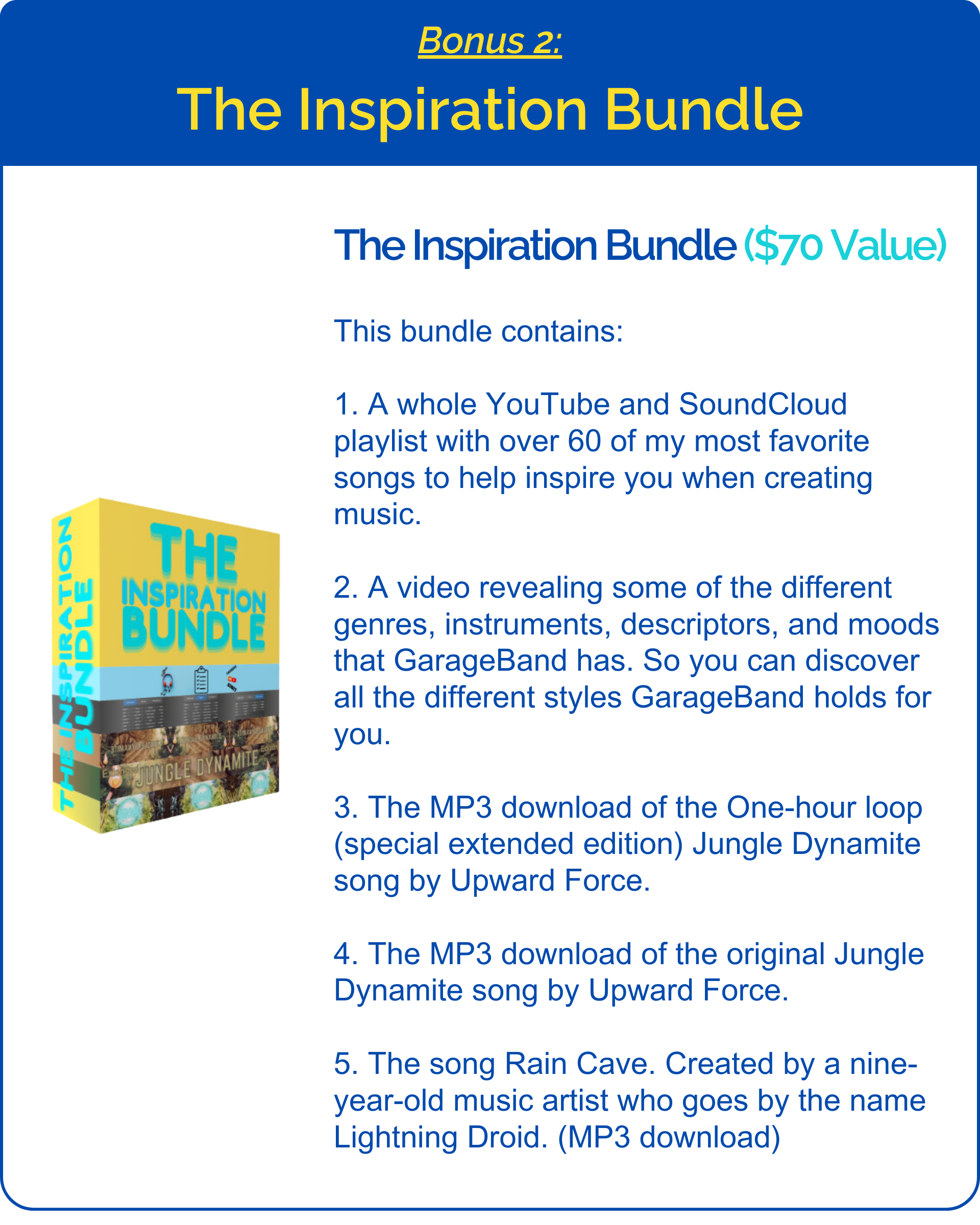
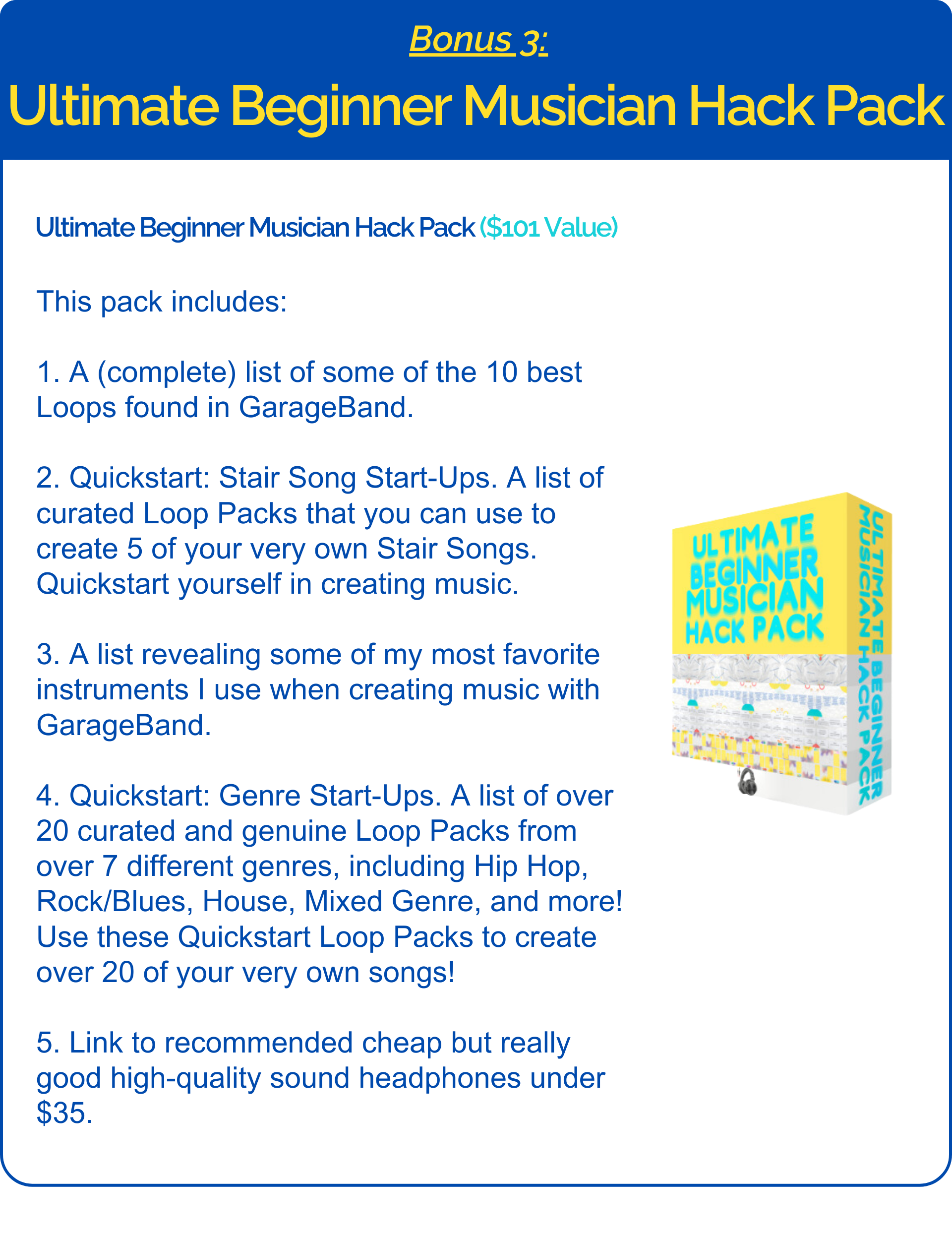
The Price Is Perfect...
"But Will I Actually Learn?"
For sure! If a 9-year-old boy can learn GarageBand and create over 100 songs with it, I’m 100% sure you’ll be able to learn GarageBand as fast as he did. And for more proof…
Just look at what these kids are saying! And check out some of the fantastic songs they’ve created with GarageBand!
Very educational course that made me into an incredible producer with over 100k streams to date. I owe all my success to God and this course. I have found th...
Read MoreVery educational course that made me into an incredible producer with over 100k streams to date. I owe all my success to God and this course. I have found that when you truly use GarageBand to its fullest capacities, you wont ever need Logic...
Read LessI liked the course. it was fun. It’s probably easier than most courses ‘cause he points out things that look like it’s right but it really isn’t. Even if y...
Read MoreI liked the course. it was fun. It’s probably easier than most courses ‘cause he points out things that look like it’s right but it really isn’t. Even if you aren’t good at making music then he teaches you how to be good at making music. It’s easy to me but it might be intermediate to some people. I accomplished making music better. I think it’s worth buying.
Read LessI thought that this course was really cool! It was really fun (especially when he did those awesome intros!!)! I thought that since Christopher is a teenager...
Read MoreI thought that this course was really cool! It was really fun (especially when he did those awesome intros!!)! I thought that since Christopher is a teenager, then he understands all the questions that we have, and explains them fully! I thought that I had everything right (hey, it was sooo close to being right), but then he says to make sure that it was exactly on the mark and I’m like, ‘Oh, wait, I had that all wrong.’ Before I took this course, then I did not know what all those buttons and dials meant. Now, I know! I can make a really cool song now! I think that this course is intermediate and defiantly worth buying! My favorite thing about this course was the person who made it! I would recommend this course to anyone who loves music and would like to design their own (or just loves music!), and anyone who has even just a little tiny interest in music!!
Read Less⬇OUT ON SOUNDCLOUD RIGHT NOW!⬇

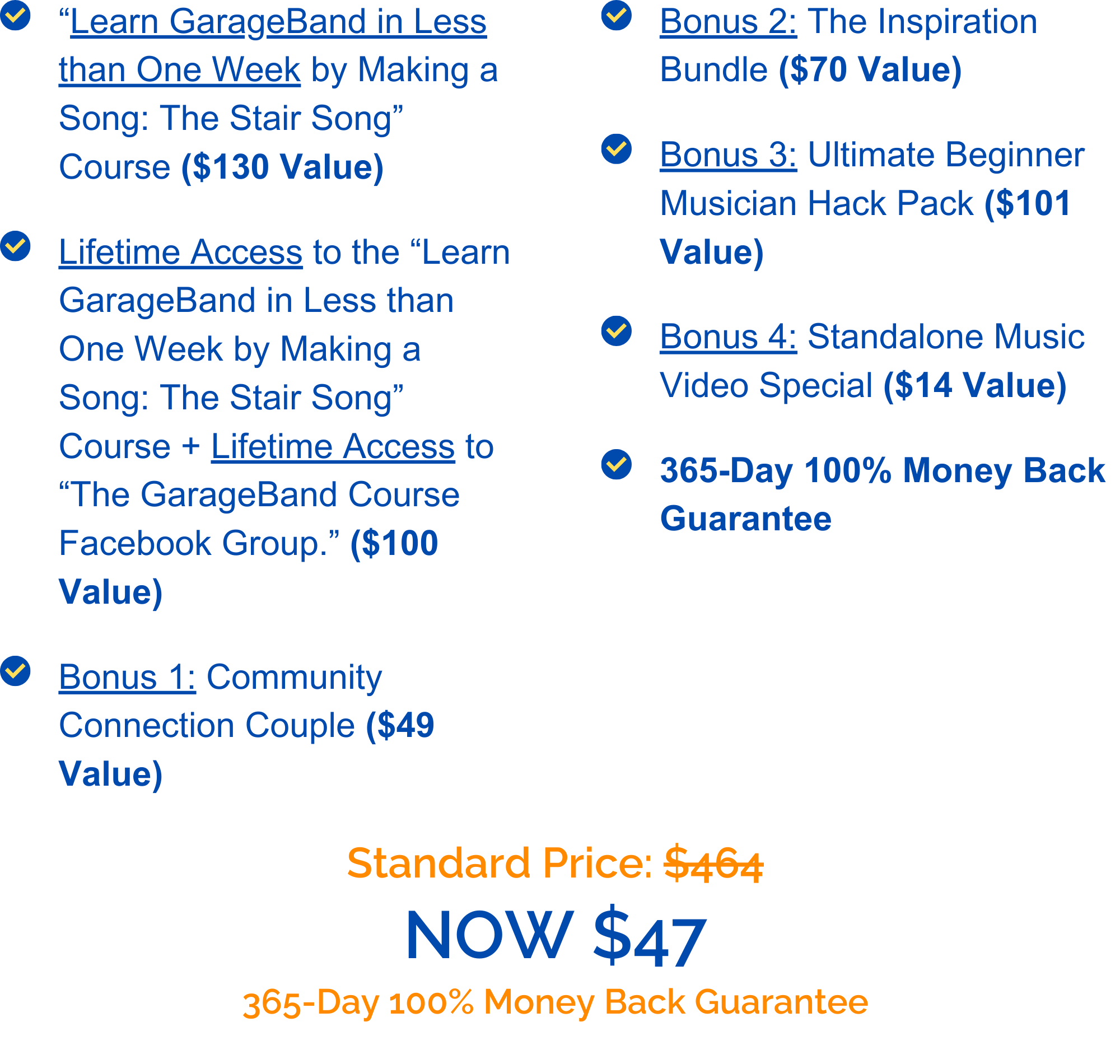
I know that you can learn GarageBand! I am positive that I can help you learn, use, and get familiar with GarageBand. I know that it is possible for you to start creating music with GarageBand. I’m so sure of this that I will give you a 365-Day 100% Money Back Guarantee if you don’t upgrade your skills after taking my course. Just email me, and you’ll have your refund in no time.
Keep creating! And I hope to see YOU in the course.
Sincerely,
Christopher Sirard
$47
$464
The recommended age for this course is 11 years or older. Younger kids might be able to do it, but they'll probably need help with some things.
About 264 minutes long, which equals about 4 hours and 24 minutes.
1: One Apple® computer with GarageBand on it (Make sure GarageBand runs on it). 2: Another device (Apple® or non-Apple®) such as a computer, iPad, Tablet, or something of the type that has a big enough screen to play videos on (bigger than a phone screen). 3: And a kid aged 11 or on up. A 10-year-old could do it with help. 😉
No, sadly. GarageBand on iOS is almost an entirely different interface compared to GarageBand on Apple computers. That being said, my course only teaches the computer version of GarageBand; I don't have a course that teaches how to use the iOS version of GarageBand.